
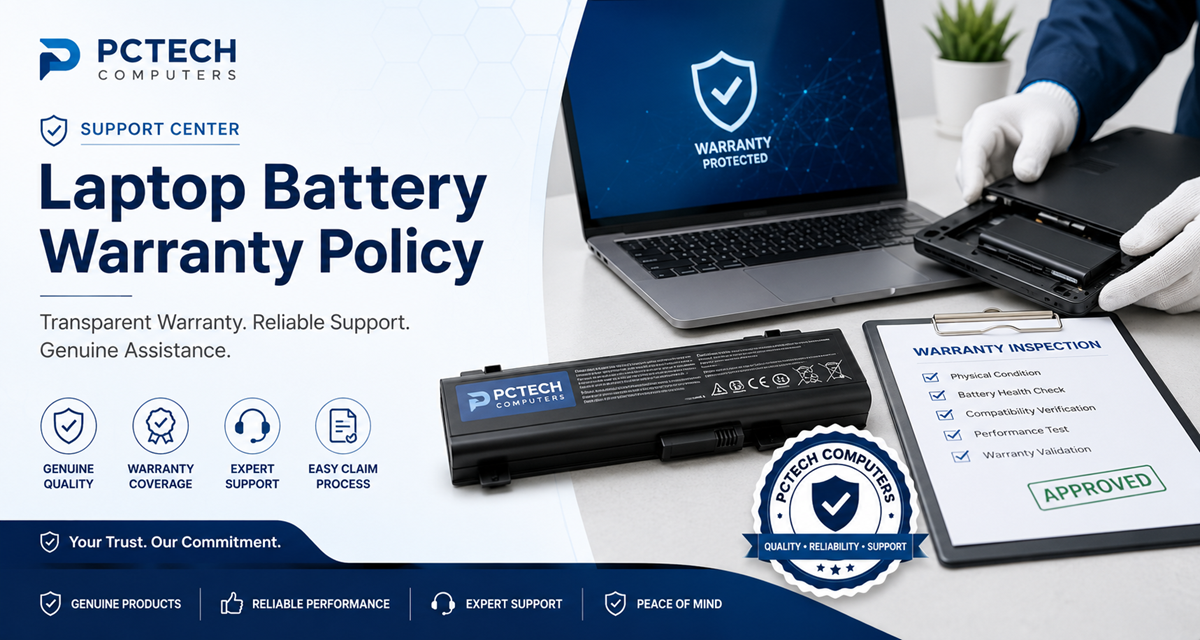
Laptop Battery Warranty Policy
Overview
Welcome to the official PCTECH Computers Laptop Battery Warranty Policy. This document explains warranty coverage, eligibility, exclusions, inspection procedures, and the warranty claim process for replacement laptop batteries purchased from PCTECH Computers.
1 Warranty Coverage
Subject to technical inspection, the warranty generally covers manufacturing defects including:
- Battery fails to charge due to a manufacturing defect.
- Internal cell failure.
- Battery protection circuit failure.
- Manufacturing defects in internal components.
- Incorrect product supplied due to packing error.
2 Lithium-ion Batteries Are Consumable Products
Rechargeable lithium-ion batteries naturally lose capacity over time. Capacity reduction due to normal usage, charging cycles, age, or environmental conditions is considered normal wear and is not a manufacturing defect.
3 Warranty Eligibility
- Valid purchase invoice is required.
- The battery must be used in a compatible laptop model.
- The product must not show signs of misuse or physical damage.
- Customers should contact support as soon as a fault is identified.
4 Warranty Exclusions
- Physical or accidental damage.
- Liquid damage.
- Burn marks or corrosion.
- Improper installation.
- Use with incompatible devices.
- Tampering or unauthorized repair.
- Normal battery wear and capacity reduction.
5 Swollen Batteries
Swollen batteries are not covered in warranty. If your battery becomes swollen, stop using it immediately. Switch off the laptop, disconnect the charger, and contact PCTECH Computers for assistance on how to order a new battery.
Never puncture or dispose of a swollen lithium-ion battery with household waste.
6 Warranty Inspection
Returned products may undergo inspection that includes connector examination, voltage testing, charging verification, compatibility testing, and evaluation of the internal protection circuitry before warranty approval.
7 Warranty Claim Process
To initiate a warranty claim, please follow the steps below:
Contact Support
Contact PCTECH Computers Support.
Provide Details
Provide your invoice or order details.
Describe the Issue
Explain the battery problem clearly.
Share Evidence
Share photos or videos if requested.
Troubleshooting
Follow the troubleshooting instructions provided by support.
Return Battery
Return the battery if instructed by our support team.
Inspection
The returned battery will undergo technical inspection.
Resolution
Await the final warranty resolution.
8 Frequently Asked Questions
Does the warranty cover normal battery wear?
No. Capacity reduction due to normal usage is expected for lithium-ion batteries.
Is proof of purchase required?
Yes. A valid invoice or order confirmation is required to verify warranty eligibility.
Will every warranty claim result in a replacement?
No. Warranty resolution depends on inspection findings and product availability.
