
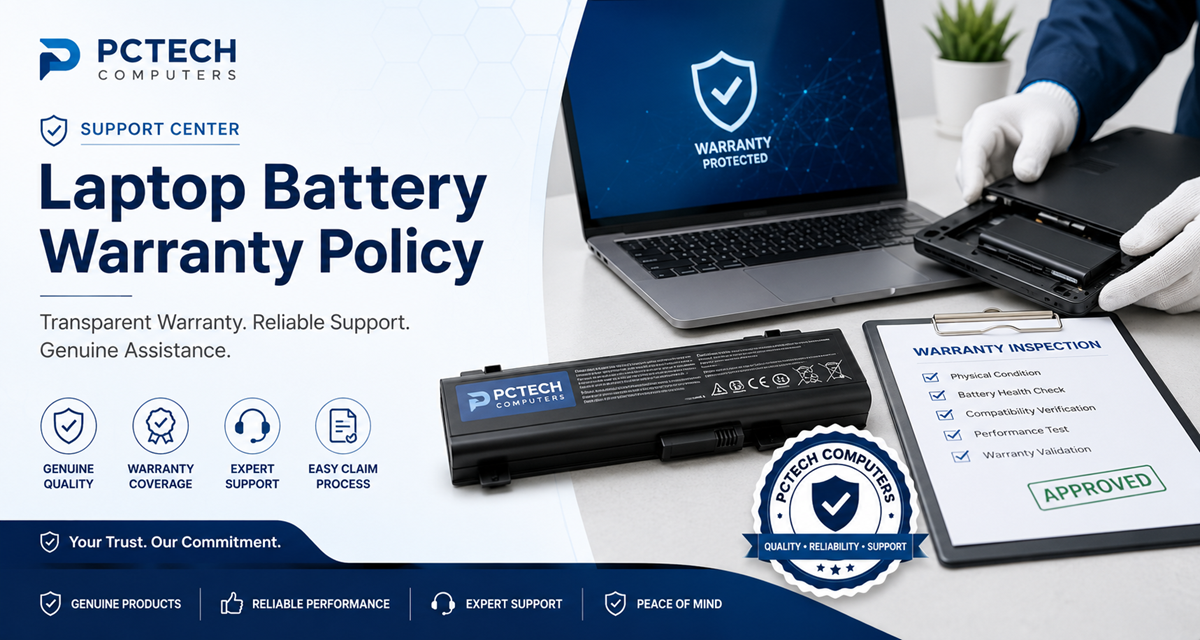
Laptop Battery Warranty Claim Process
A practical guide to submitting a laptop battery warranty claim, providing the required information, completing inspection, and understanding the warranty resolution process.
Understanding the Warranty Claim Process
If you believe that a laptop battery purchased from PCTECH Computers has developed a fault covered by its applicable warranty, you can contact our support team for assistance.
The warranty claim process is designed to collect the necessary purchase and product information, understand the reported problem, complete appropriate troubleshooting where required, and arrange product inspection when necessary.
Warranty approval is subject to the applicable warranty terms and, where required, technical inspection of the returned product.
When Should You Submit a Warranty Claim?
You should contact PCTECH Computers when you believe that your laptop battery has developed a fault that may be covered under the applicable warranty.
Examples of Reported Battery Problems
Examples may include a battery that fails to charge, is not detected by the laptop, or develops another suspected manufacturing-related fault during the applicable warranty period.
Normal reduction in battery capacity caused by usage, charging cycles, age, or environmental conditions is generally considered normal battery wear and is not necessarily a warranty defect.
Before Contacting PCTECH Computers
Before starting a warranty claim, please keep the following information available. Providing complete information can help our support team understand the issue more efficiently.
Step-by-Step Warranty Claim Process
Contact PCTECH Computers Support
Contact our support team and explain the problem with the laptop battery. Provide your order or invoice details and relevant battery information where available.
Describe the Problem
Clearly explain the symptoms you are experiencing, such as the battery not charging, not being detected, unexpected shutdowns, or another suspected battery fault.
Complete Troubleshooting
Our support team may provide troubleshooting instructions to help determine whether the problem is related to the battery, laptop, charger, charging system, or another component.
Provide Requested Evidence
Photos, videos, battery information, system information, or other details may be requested to help evaluate the reported problem.
Return the Battery if Required
If physical inspection is required, our support team will provide instructions regarding the return of the battery for evaluation.
Technical Inspection
The returned battery may be inspected to determine whether the reported problem is consistent with a manufacturing defect or another condition covered by the applicable warranty.
Warranty Decision
After evaluation, the warranty claim will be assessed according to the applicable warranty terms and inspection findings.
Warranty Resolution
Where a claim is approved, the applicable warranty resolution will be provided according to the product warranty terms and product availability.
Claim Completion
Once the warranty resolution has been completed, the customer will be informed according to the applicable support procedure.
Warranty Inspection
Why Is Inspection Required?
Laptop battery problems can sometimes be caused by the laptop, charger, charging circuit, operating system, battery connector, incorrect installation, or other external factors.
When a product is returned for warranty evaluation, PCTECH Computers may inspect the battery and perform appropriate checks to determine the reported fault and whether it falls within the applicable warranty coverage.
What May Be Checked During Inspection?
Warranty Eligibility
Warranty eligibility depends on the applicable product warranty terms and the findings of the warranty evaluation where inspection is required.
Generally Required
A valid purchase invoice or order confirmation may be required to verify the purchase and warranty eligibility.
The battery should be used with a compatible laptop and should not show signs of misuse, unauthorized modification, improper installation, or excluded physical damage.
Situations That May Not Qualify
Important Warranty Exclusions
Warranty coverage may not apply to physical or accidental damage, liquid damage, burn marks, corrosion, improper installation, incompatible devices, tampering, unauthorized repair, or normal battery wear and capacity reduction.
For complete information about warranty exclusions, please review the Laptop Battery Warranty Policy.
Swollen or Damaged Batteries
Stop Using a Swollen Battery
If your laptop battery becomes swollen, physically damaged, unusually hot, or shows another serious sign of failure, stop using it immediately. Switch off the laptop, disconnect the charger, and contact PCTECH Computers for assistance.
Never puncture, crush, dismantle, or attempt to repair a swollen lithium-ion battery.
What Happens After You Submit a Claim?
Claim Information Received
Your order details, product information, and reported problem are reviewed by the support team.
Troubleshooting
Additional troubleshooting may be requested to determine whether the issue is related to the battery or another component.
Product Return
If required, instructions may be provided for returning the battery for technical inspection.
Technical Evaluation
The returned product may undergo appropriate technical inspection.
Warranty Resolution
The claim is resolved according to the applicable warranty terms, inspection findings, and product availability.
Frequently Asked Questions
Do I need my purchase invoice?
Yes. A valid invoice or order confirmation may be required to verify the purchase and warranty eligibility.
Will I receive a replacement immediately?
Not necessarily. If inspection is required, the product may need to be evaluated before the warranty claim is approved.
Does normal battery capacity loss qualify for warranty?
Generally, no. Rechargeable lithium-ion batteries naturally lose capacity through normal usage and charging cycles.
Can I return a physically damaged battery as a warranty claim?
Physical or accidental damage may be excluded from warranty coverage. Contact support for guidance before returning the product.
Can troubleshooting be required before a return?
Yes. Troubleshooting may help determine whether the issue is caused by the battery or another laptop component.
Does every warranty claim result in replacement?
No. Warranty resolution depends on the applicable warranty terms, inspection findings, and product availability.
Need Help With a Warranty Claim?
Contact PCTECH Computers
If you believe your laptop battery has developed a warranty-related fault, contact our support team before sending the product back.
Please keep your order details, laptop model, battery part number, and a clear description of the problem available when contacting us.
