Laptop Support Center
Welcome to the PCTECH Computers Laptop Support Center, your trusted resource for expert guidance on laptop parts, maintenance, troubleshooting, warranty information, and repair support. Whether you're replacing a laptop battery, installing a new screen, upgrading memory, or diagnosing a hardware issue, our support center provides clear, practical, and reliable information to help you every step of the way.
Our goal is to make laptop ownership easier by providing comprehensive documentation, step by step guides, technical articles, and answers to frequently asked questions. Every guide is written to help you identify the correct replacement part, install it safely, maximize its lifespan, and resolve common issues with confidence.
Explore Our Support Centers
Battery Support Center
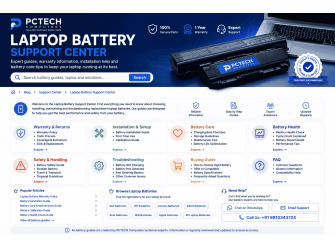
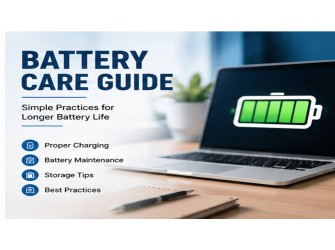
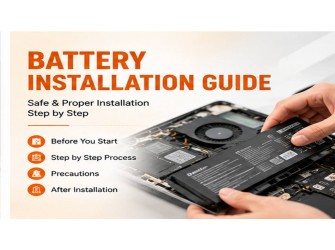
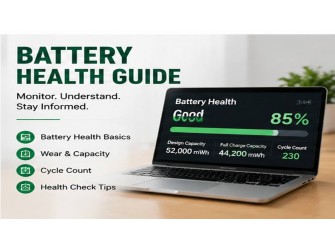
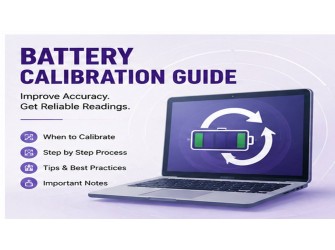
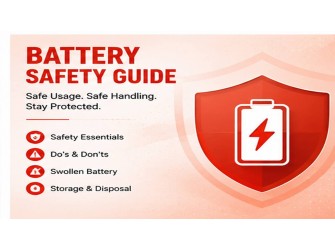
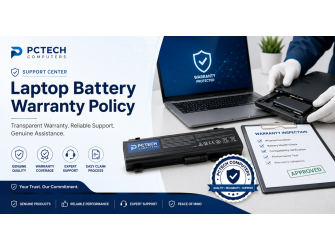
Find complete information about replacement laptop batteries, including warranty policies, installation guides, charging best practices, battery calibration, health checks, troubleshooting, safety recommendations, storage, and maintenance tips.
Laptop Screen Support Center
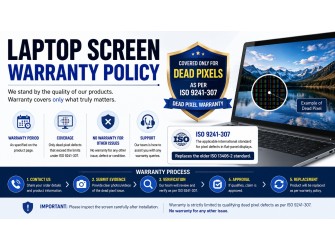
Learn how to identify the correct display panel, understand screen specifications, replace damaged screens, troubleshoot display issues, and care for your laptop display.
Laptop Charger Support Center
Explore charger compatibility, power ratings, connector types, charging problems, safety recommendations, and troubleshooting guides for laptop power adapters.
Laptop Keyboard Support Center
Access installation instructions, keyboard troubleshooting, backlight configuration, maintenance tips, and replacement guidance for internal and external laptop keyboards.
Cooling Fan Support Center
Learn how to diagnose overheating, replace CPU and GPU cooling fans, clean cooling systems, and improve thermal performance for gaming and business laptops.
SSD & Storage Support Center
Find installation guides, SSD compatibility information, cloning tutorials, storage upgrades, troubleshooting tips, and performance optimization advice.
Memory (RAM) Support Center
Understand RAM compatibility, upgrade procedures, installation steps, troubleshooting, and memory performance recommendations.
Motherboard & Internal Components
Browse guides covering DC power jacks, WiFi cards, speakers, hinges, touchpads, display cables, and other internal laptop components.
Laptop Repair Guides
Explore practical repair tutorials covering hardware diagnostics, Windows troubleshooting, BIOS settings, thermal maintenance, SSD upgrades, RAM installation, and other common laptop repair procedures.
Why Use the PCTECH Computers Support Center?
Our documentation is designed to help both beginners and experienced users by providing:
Easy to understand installation and replacement guides.
Reliable warranty and after sales support information.
Product compatibility assistance.
Step by step troubleshooting procedures.
Safety recommendations for laptop components.
Maintenance tips to improve product lifespan.
Frequently asked questions based on real customer enquiries.
Helpful resources that support informed purchasing decisions.
Need Assistance?
If you cannot find the information you are looking for, our support team is here to help. Whether you need assistance choosing the correct replacement part, understanding compatibility, submitting a warranty claim, or troubleshooting a laptop issue, PCTECH Computers is committed to providing reliable support before and after your purchase.
We continuously expand our Support Center with new guides, tutorials, and technical resources to ensure customers always have access to accurate and up to date information.