
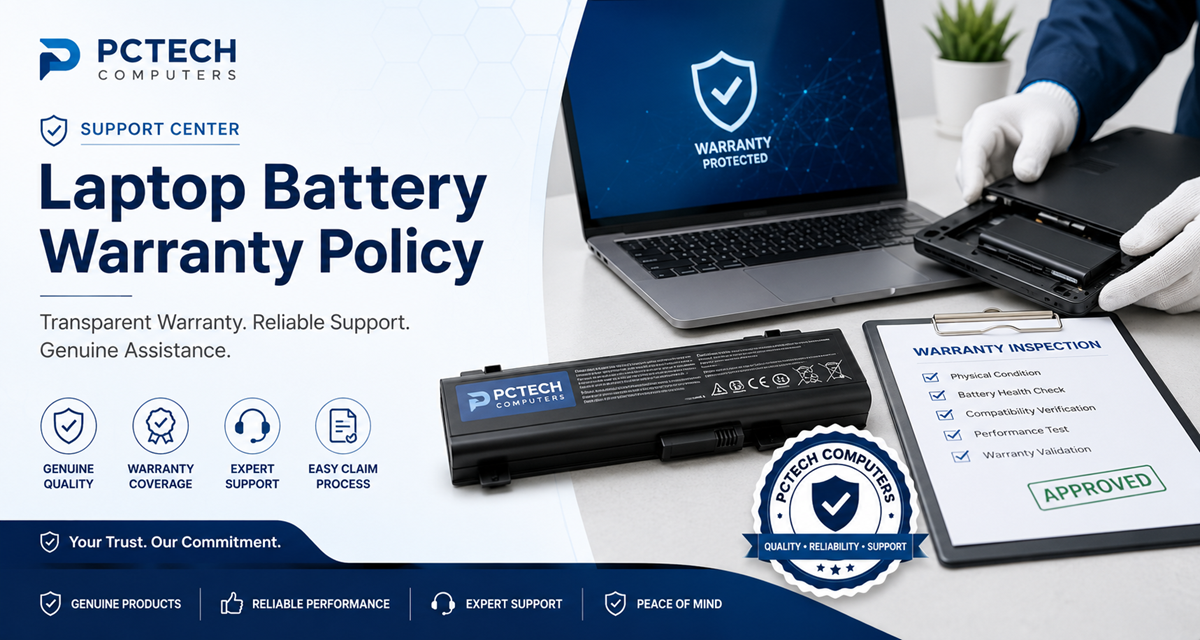
Laptop Battery Warranty Exclusions
Understand the conditions that may not be covered by a laptop battery warranty, including physical damage, improper installation, tampering, incompatible use, and normal battery wear.
Understanding Warranty Exclusions
A laptop battery warranty is intended to protect against qualifying manufacturing defects during the applicable warranty period. It does not generally cover every type of battery problem or damage that may occur during use.
Certain conditions can result from accidents, incorrect installation, incompatible use, external factors, unauthorized modification, or normal battery aging. These conditions may fall outside warranty coverage.
The final determination of warranty eligibility is based on the applicable product warranty terms and, where required, technical inspection.
Common Laptop Battery Warranty Exclusions
The following conditions are generally excluded from laptop battery warranty coverage. Individual product warranty terms may contain additional conditions.
Physical or Accidental Damage
Damage caused by dropping, crushing, impact, pressure, bending, puncturing, or other accidental physical damage is generally not covered under warranty.
Liquid or Moisture Damage
Damage caused by water, liquid spills, moisture, condensation, or exposure to other liquids may be excluded from warranty coverage.
Burn Marks or Overheating Damage
Burn marks, evidence of excessive heat, melted components, or damage caused by external overheating conditions may not qualify for warranty coverage.
Corrosion or Oxidation
Corrosion, oxidation, or damage resulting from moisture or environmental exposure may be excluded from warranty coverage.
Improper Installation
Damage caused by incorrect installation, forced connectors, incorrect orientation, or improper handling during installation may not be covered.
Use With an Incompatible Laptop
Using a battery with a laptop model or device for which it was not designed may result in warranty exclusion.
Tampering With the Battery
Opening, dismantling, modifying, altering, or otherwise tampering with the battery or its internal components may void warranty coverage.
Unauthorized Repair
Repairs or modifications performed by unauthorized persons may result in the battery being excluded from warranty coverage.
Normal Battery Wear
Normal reduction in battery capacity, runtime, or performance caused by regular usage and charging cycles is generally considered normal wear.
External Equipment or System Problems
Problems caused by the laptop, charger, charging circuit, operating system, connector, or another external component may not be a battery warranty defect.
Incorrect Installation or Product Selection
Problems caused by selecting or installing a battery that does not match the laptop's required specifications may be excluded.
Other Excluded Conditions
Additional exclusions may apply according to the specific warranty terms provided for the individual battery product.
Normal Battery Wear Is Not a Manufacturing Defect
Lithium-ion Batteries Naturally Lose Capacity
Laptop batteries use rechargeable lithium-ion or lithium-polymer cells that naturally lose capacity over time.
Battery runtime can gradually decrease because of charging cycles, usage, age, operating temperature, storage conditions, and other environmental factors.
A reduction in capacity caused by normal battery usage is generally considered normal wear and does not by itself indicate a manufacturing defect.
Physical Damage and Installation Issues
Handle Replacement Batteries Carefully
Laptop batteries contain sensitive electronic components and rechargeable cells. Incorrect installation or physical handling can damage the battery, connector, laptop, or internal components.
Always follow appropriate installation procedures and use the battery only with a compatible laptop model.
If you are unsure about installation, seek assistance from a qualified laptop technician.
Compatibility and Product Selection
Tampering and Unauthorized Repair
Do Not Open or Modify the Battery
Laptop batteries contain rechargeable cells, electronic protection circuits, and other internal components. Opening or modifying the battery can create safety risks and may affect warranty eligibility.
Do not attempt to replace internal cells, bypass protection circuitry, repair the battery electronics, or alter the battery construction.
If you believe the battery has an internal problem, contact PCTECH Computers Support before attempting any repair.
Problems Caused by Other Laptop Components
Not Every Battery Problem Is Caused by the Battery
A laptop that does not charge or suddenly shuts down may have a problem with the charger, charging port, motherboard, charging circuit, operating system, battery connector, or another component.
For this reason, troubleshooting may be required before a battery warranty claim can be evaluated.
PCTECH Computers may request additional information or testing to help identify the source of the problem.
Swollen or Physically Damaged Batteries
Important Battery Safety Information
If a laptop battery becomes swollen, cracked, punctured, unusually hot, or physically damaged, stop using it immediately.
Switch off the laptop, disconnect the charger, and contact PCTECH Computers for assistance.
Never puncture, crush, dismantle, burn, or attempt to repair a swollen lithium-ion battery.
Do not dispose of a damaged or swollen lithium-ion battery with ordinary household waste.
How Warranty Exclusions Are Evaluated
When a product is returned for warranty evaluation, PCTECH Computers may inspect the battery to determine the nature and possible cause of the reported problem.
Important
The presence of a condition listed on this page does not replace the specific terms applicable to the purchased product. Warranty eligibility is determined according to the applicable warranty policy and inspection findings where required.
For complete warranty terms, please review the PCTECH Computers Laptop Battery Warranty Policy .
Frequently Asked Questions
Does normal battery capacity loss qualify for warranty?
Generally, no. Rechargeable batteries naturally lose capacity through normal usage, charging cycles, age, and environmental conditions.
Is accidental physical damage covered?
Physical or accidental damage is generally excluded from warranty coverage.
What if the battery was installed incorrectly?
Damage caused by improper installation or handling may not qualify for warranty coverage.
Does using an incompatible laptop affect warranty coverage?
Yes. A battery used with an incompatible device may be excluded from warranty coverage.
Can I open the battery to check the cells?
No. Do not open, dismantle, modify, or attempt to repair the battery. Contact PCTECH Computers Support if you suspect an internal problem.
What if the charger is causing the problem?
A charger or laptop charging system problem is not necessarily a battery defect. Troubleshooting may be required to identify the actual cause.
Can corrosion affect warranty eligibility?
Corrosion or oxidation caused by moisture or environmental exposure may be excluded from warranty coverage.
Can a swollen battery still be submitted normally?
Contact PCTECH Computers first. Do not puncture, dismantle, or attempt to repair a swollen battery.
Need Help With a Warranty Question?
Contact PCTECH Computers
If you are unsure whether a particular battery problem is covered, contact our support team before attempting any repair or returning the product.
Please keep your order details, laptop model, battery part number, and a clear description of the problem available when contacting us.
